




RUC made simple for New Zealand drivers and fleets

Buy, manage, and display Road User Charges digitally with the myRUC app, web portal, and NZTA-approved e-ink windscreen display.

Who is myRUC for?

A practical RUC solution for everyday drivers, small operators, and organisations managing vehicles at scale.

EV Owners

Buy, manage, and display RUC without printing a paper label.

PHEV Owners

Keep RUC admin simple as plug-in hybrids move into the RUC system.

Light Diesel Owners

Manage distance licences digitally and show them on the display.

Fleet Managers

Use Pro for fleet visibility, reporting, direct debit, and renewals.

Telematics Partners

Connect odometer data to support automated fleet RUC workflows.

How it works

From RUC purchase to windscreen display

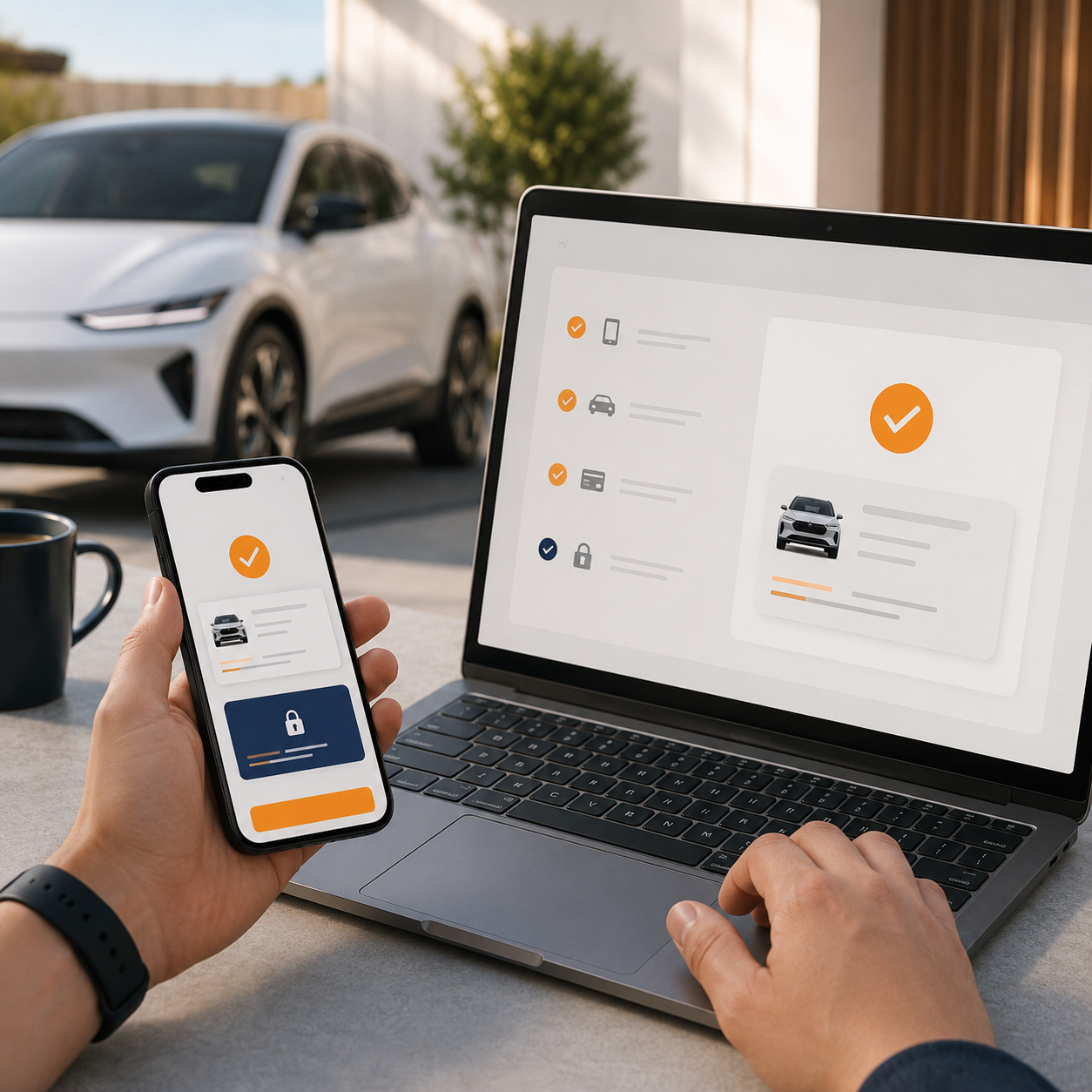
myRUC keeps the RUC licence visible in the vehicle while moving the purchase, transfer, and records into a digital workflow.
  1. Add your vehicle
    01

    Add your vehicle

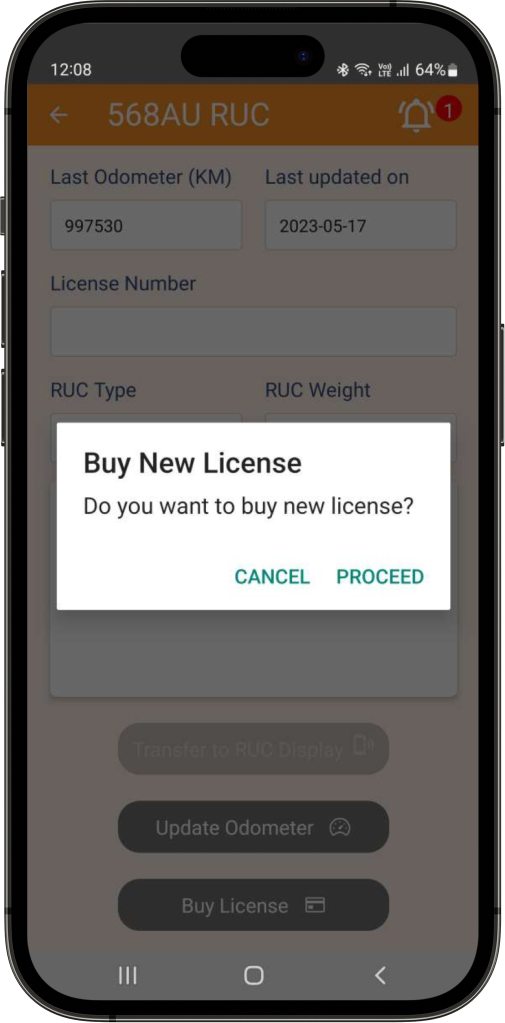
    Set up your vehicle in the myRUC app or web portal and connect it to the display.

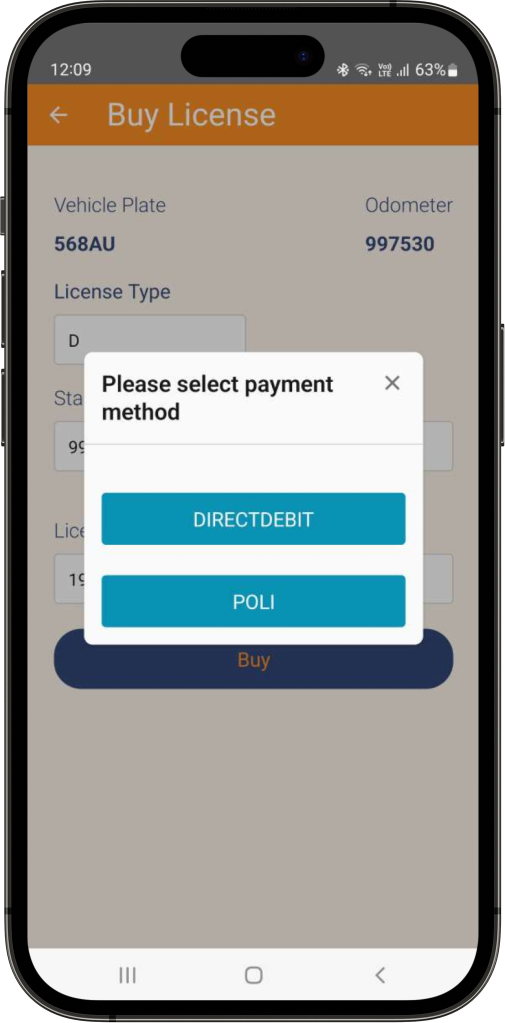
  2. Buy your RUC
    02

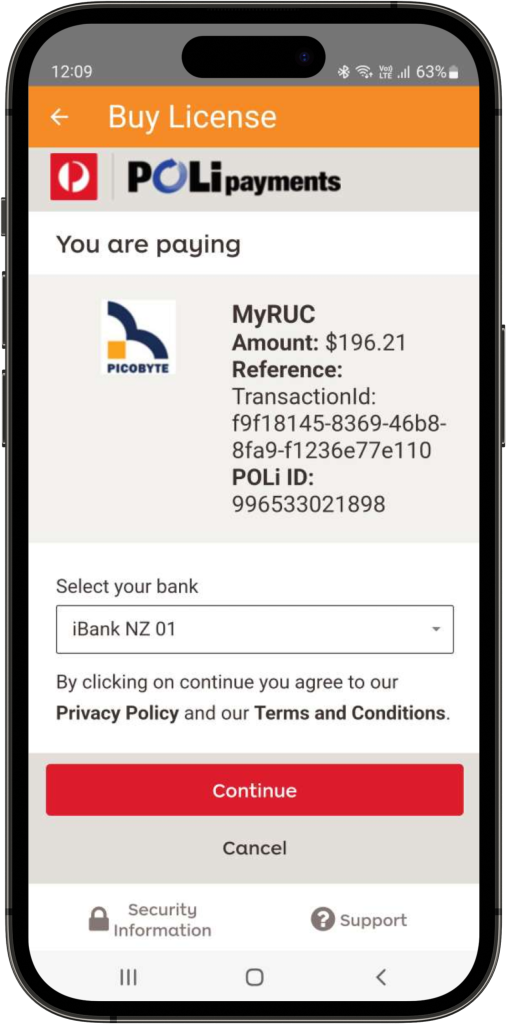
    Buy your RUC

    Purchase distance through myRUC. Government RUC rates are still set by Waka Kotahi / NZTA.

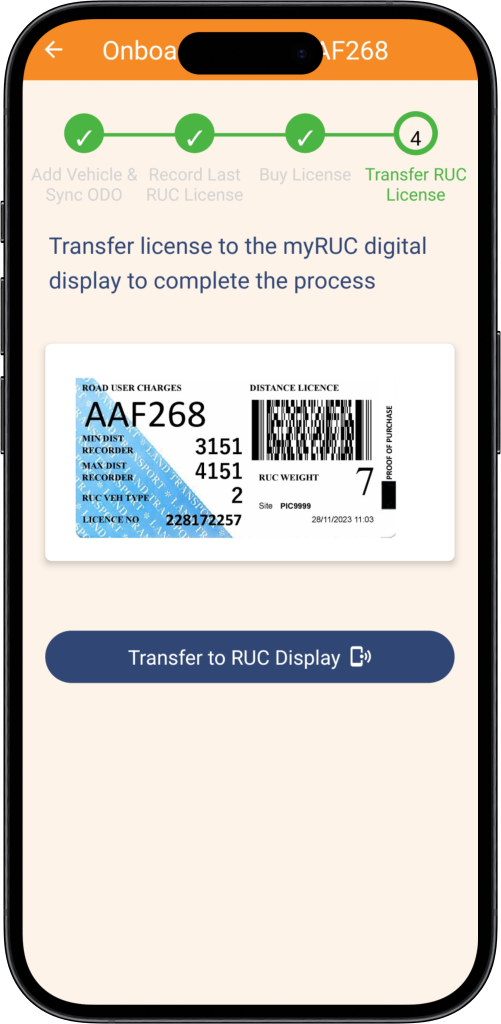
  3. Transfer the licence
    03

    Transfer the licence

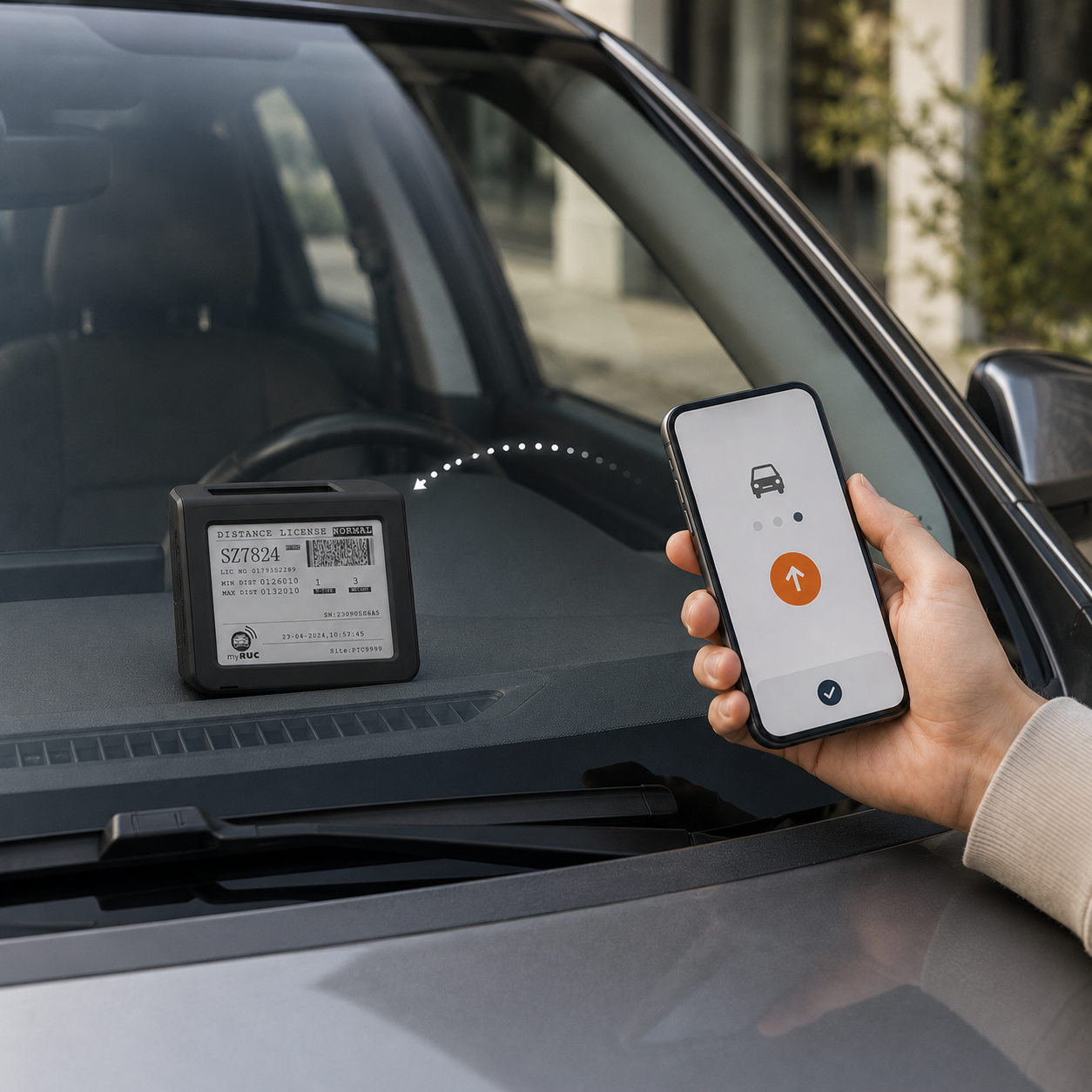
    Send the new RUC licence to the e-ink display mounted inside the windscreen.

  4. Stay visible
    04

    Stay visible

    The current RUC licence is displayed electronically, replacing the paper label.

Trusted by Partners

Working with fleets, technology partners, and transport organisations across New Zealand.
myRUC electronic RUC display device

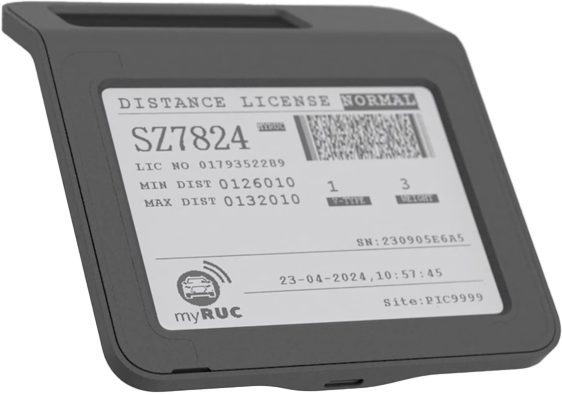
The display that replaces your paper RUC label

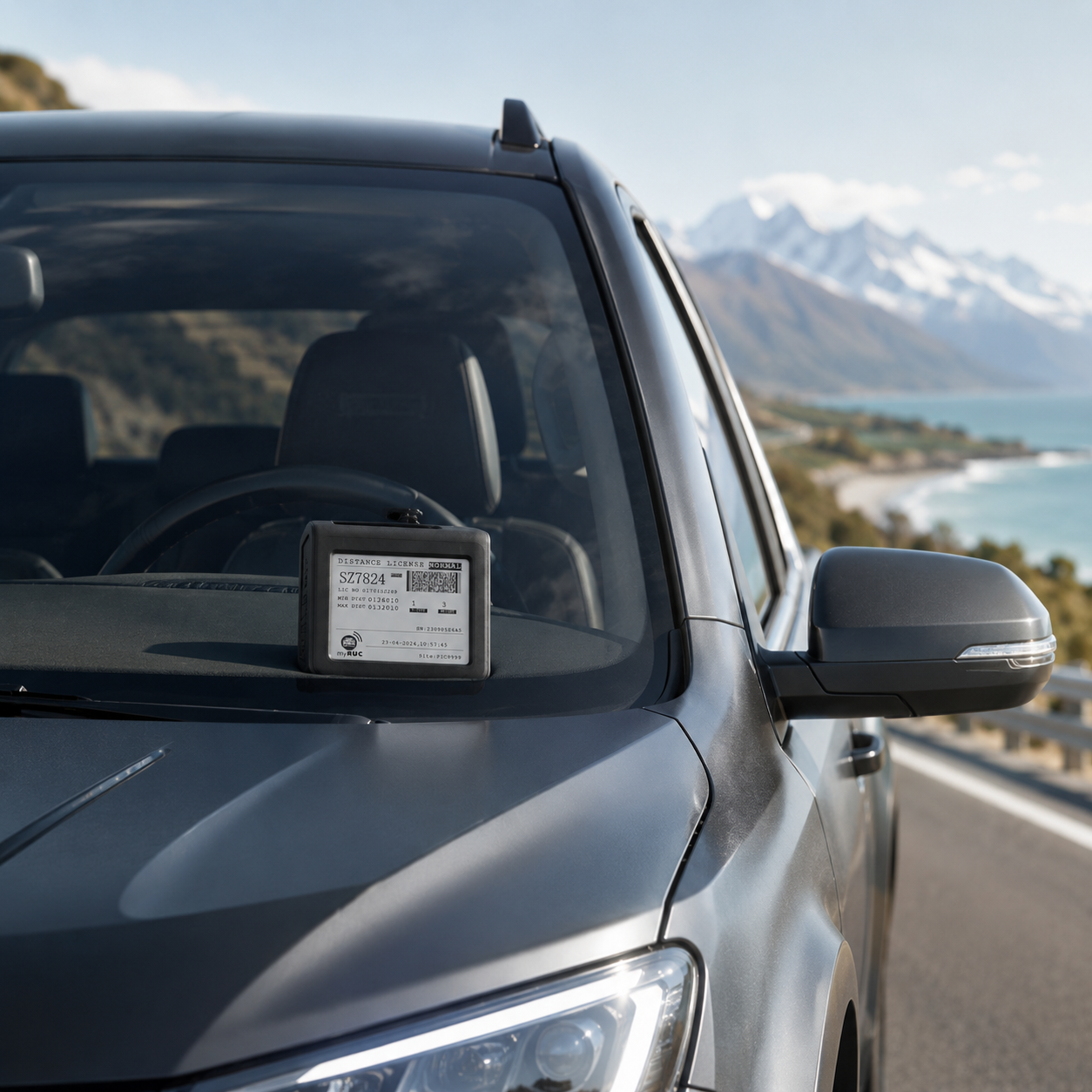
The myRUC e-ink display mounts inside the windscreen and shows the current RUC licence clearly for compliance.

  • NZTA-approved electronic RUC display
  • 4.3-inch e-ink screen for clear licence visibility
  • Self-install windscreen mounting with no wiring required
  • Solar powered with battery backup
See display pricing

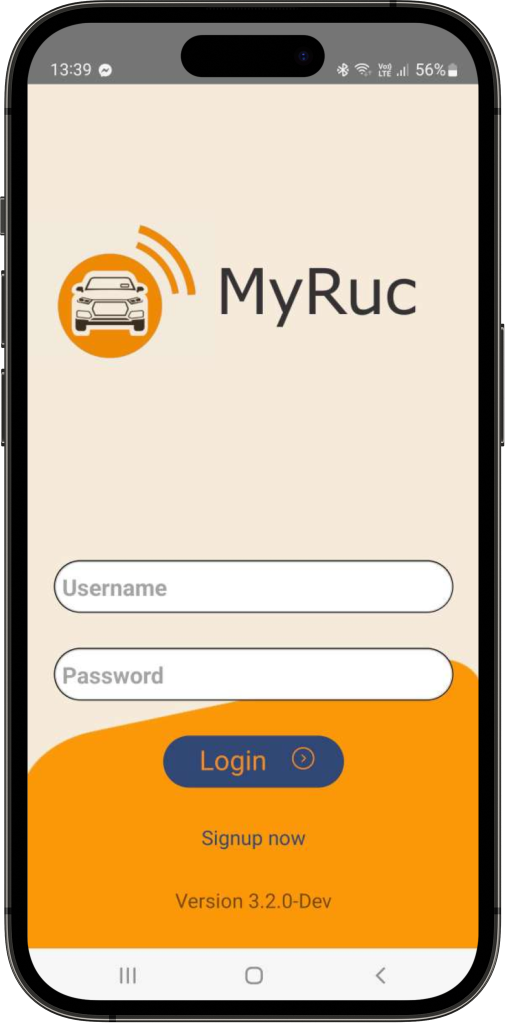
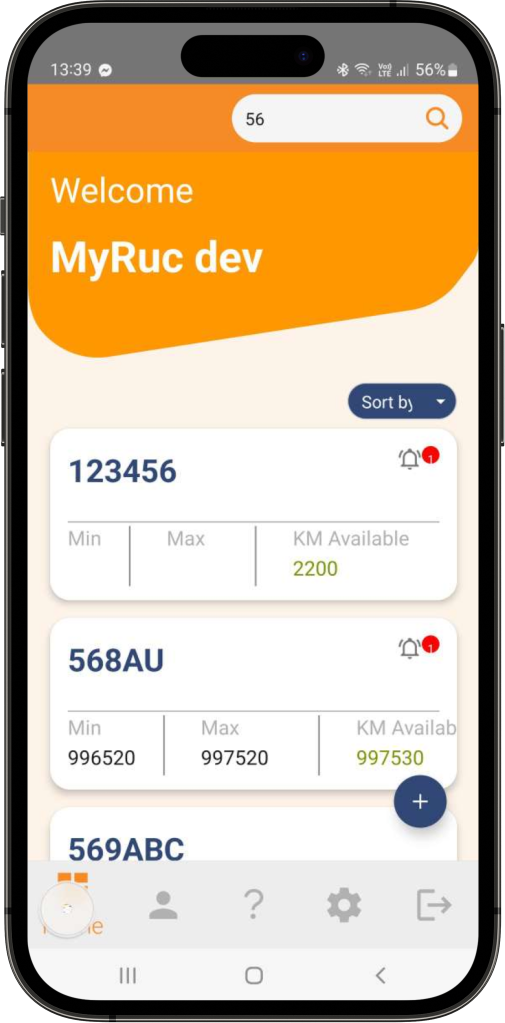
myRUC app and web portal

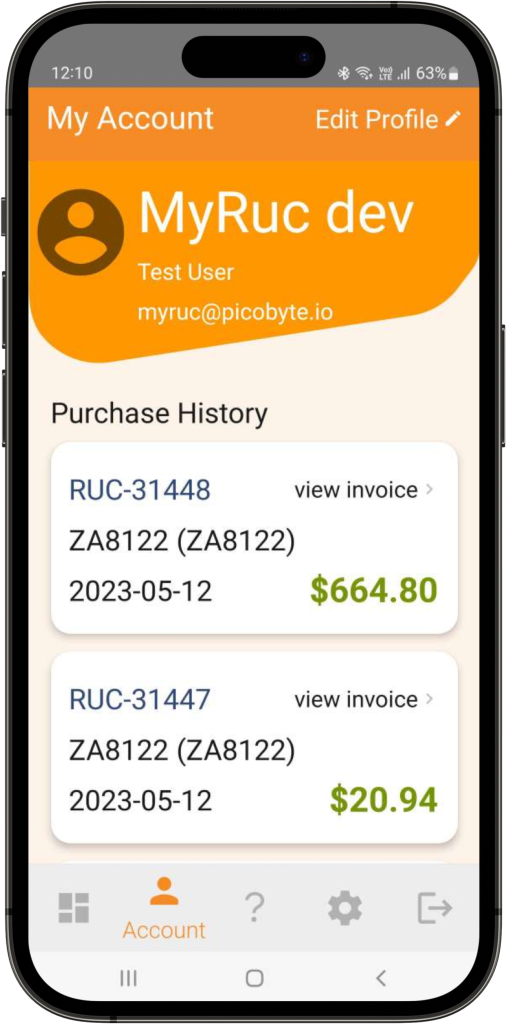
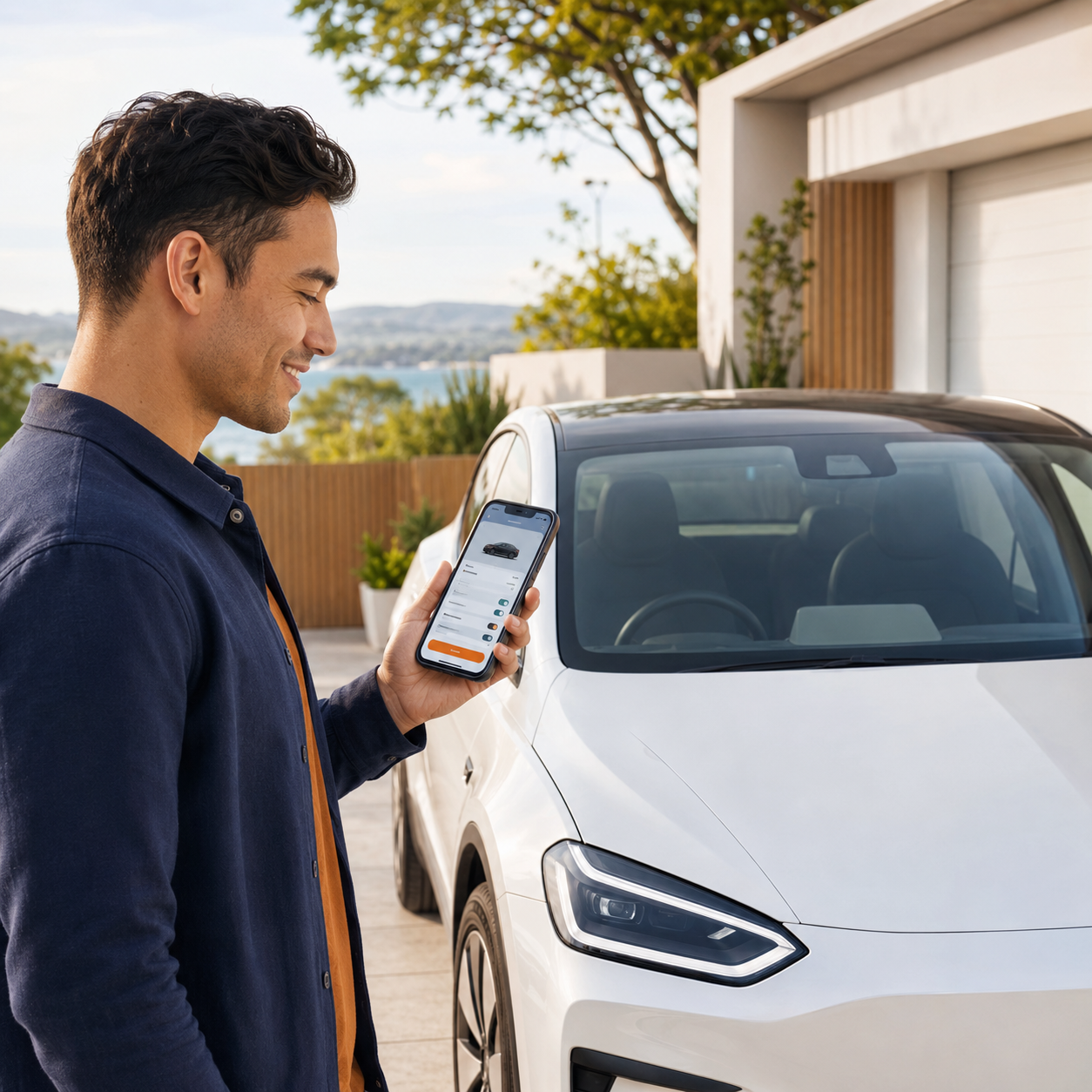
Manage Road User Charges on the go: add vehicles, buy or renew RUC, view licence details, and transfer updates to the display.


  • Add and manage vehicles
  • Buy or renew RUC
  • View licence details
  • Transfer to display
  • Access purchase history and reminders
Get it on Google Play Download on the App Store

Ready to move to electronic RUC?

Choose Classic or talk to us about Pro

Get myRUC Classic for simple app-led RUC management, or use myRUC Pro for fleet reporting, direct debit, and telematics-supported automation.